
























































Interactive Porn Sites: How Technology Changes Adult Entertainment
Stack & Save: Extra 15% with Jissbon15
Jissbon15
Interactive adult content represents a shift from passive viewing to active participation. Instead of simply watching, users experience synchronized sensations through connected toys, virtual reality immersion, or real-time control over performers' devices during live streams.
This technology appeals to people seeking more engaging solo experiences, long-distance couples maintaining intimacy, and anyone curious about how digital innovation enhances pleasure. This guide explains how these platforms work, what equipment you'll need, privacy considerations, and how to choose quality sites while avoiding common pitfalls.
Who Uses Interactive Adult Platforms?
These services attract diverse audiences:
- Long-distance partners maintaining physical connection across time zones
- Tech enthusiasts curious about haptic feedback and sensory devices
- Solo users seeking more immersive experiences than traditional content
- People with mobility limitations who benefit from hands-free, automated stimulation
- Couples exploring together through shared control features or watching synchronized content
The unifying factor? A desire for adult content that responds to movement, touch, or choice rather than following a fixed script.
Core Technologies: How Interaction Happens

Haptic Feedback Synchronization
Specialized videos encode movement data that compatible toys interpret as vibration patterns, stroking rhythms, or pressure changes. Your device mirrors on-screen action in real time.
How it works:
- Video file contains embedded haptic script alongside visual/audio tracks
- Connected toy receives instructions via Bluetooth or Wi-Fi
- Device adjusts intensity, speed, and pattern to match specific scenes
- User experiences coordinated sensations aligned with video timeline
Virtual Reality Integration
VR headsets create 180° or 360° environments where performers appear life-sized and spatially present. Combined with haptic toys, this delivers multisensory immersion.
Key components:
- Standalone headsets (Meta Quest, Pico) with built-in processing
- PC-tethered systems (Valve Index, HTC Vive) for higher visual quality
- Smartphone holders (budget option using phone screen + lenses)
- Spatial audio that adjusts sound based on head movement
Live Stream Toy Control
During live webcam shows, viewers tip to activate performers' connected toys or purchase control sessions where they directly adjust settings via app interface.
Interaction types:
- Tip-activated vibrations (performer wears toy that responds to viewer tips)
- Private control sessions (one-on-one where viewer operates performer's device)
- Two-way sync (both parties' toys mirror each other's movements)
Platform Categories: What's Available
|
Platform Type |
Interaction Method |
Equipment Needed |
Typical Cost |
|
Scripted Video Libraries |
Pre-recorded content with haptic sync |
Compatible toy + membership |
$10-30/month |
|
VR Content Sites |
Immersive 3D video with optional toy sync |
VR headset + optional toy + subscription |
$15-40/month |
|
Live Cam Platforms |
Real-time performer toy control |
Connected toy (optional) + tips/credits |
Pay-per-session (varies) |
|
Interactive Games |
Choose-your-path stories with branching outcomes |
Computer/console + optional toy |
$20-60 one-time or subscription |
|
Teledildonic Apps |
Long-distance partner connection |
Two compatible toys + app subscription |
$5-15/month |
Choosing Compatible Toys: What Actually Works
Not all devices connect to every platform. Check compatibility before purchasing.
For Scripted Video Sites
Best options:
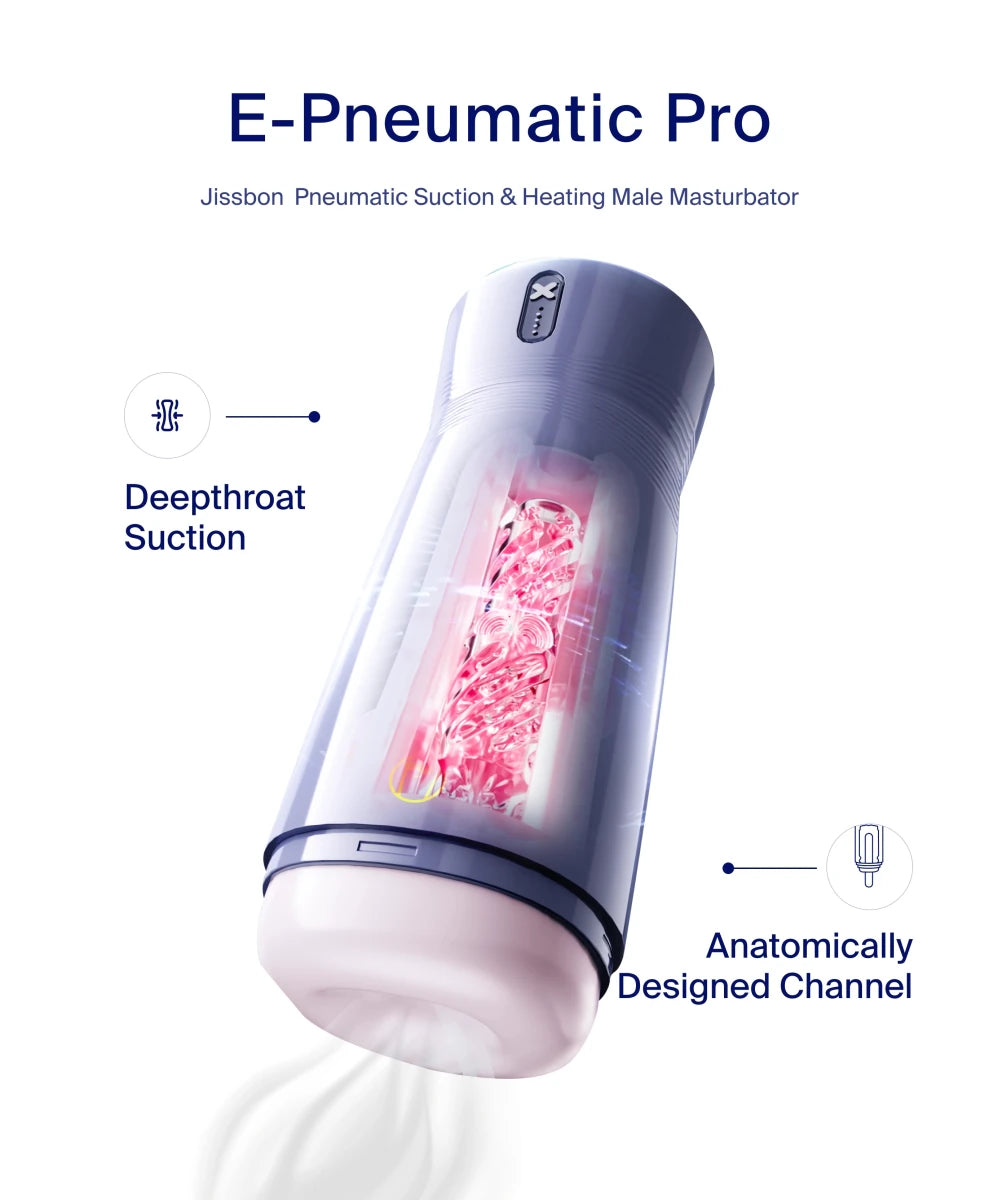
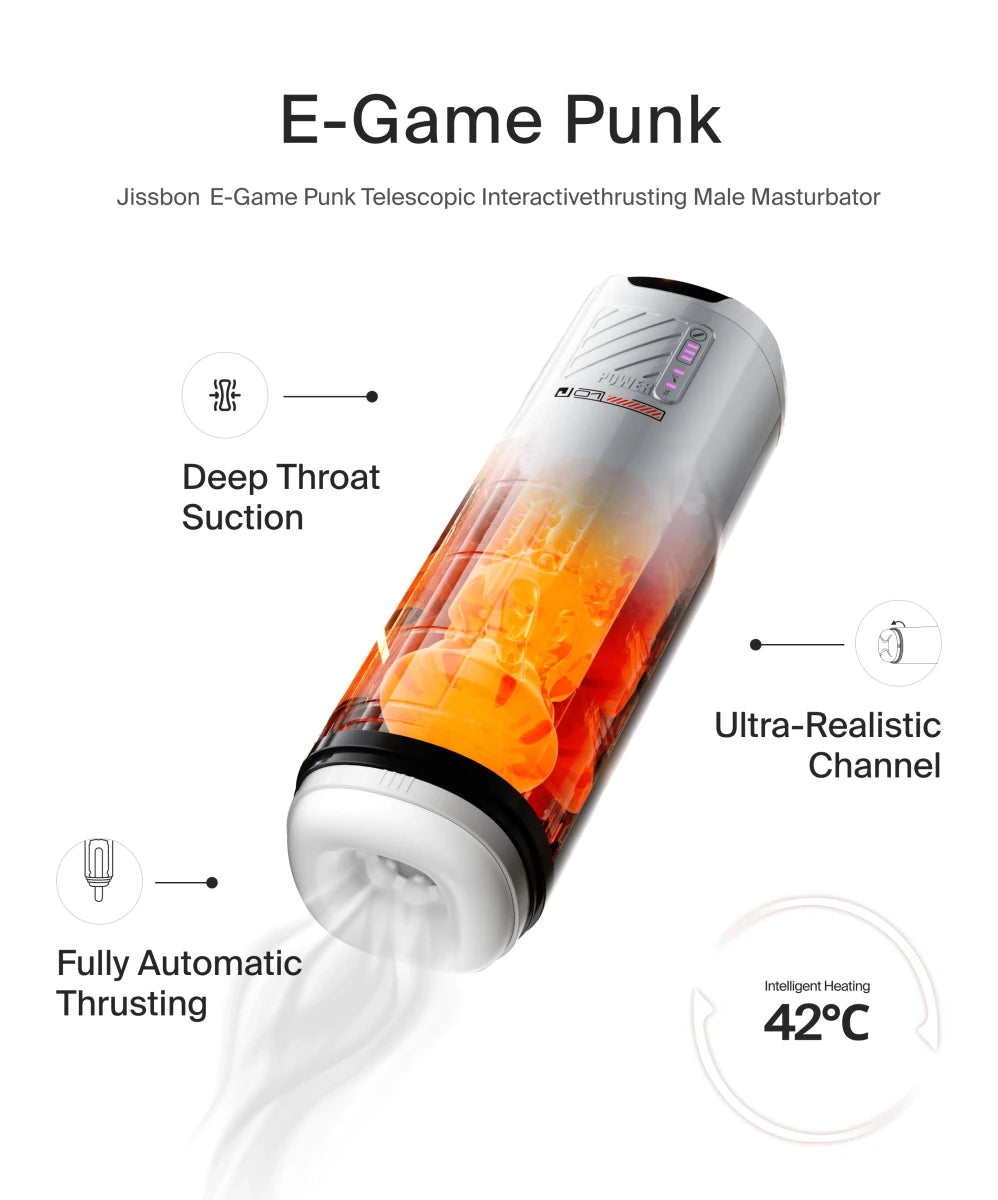
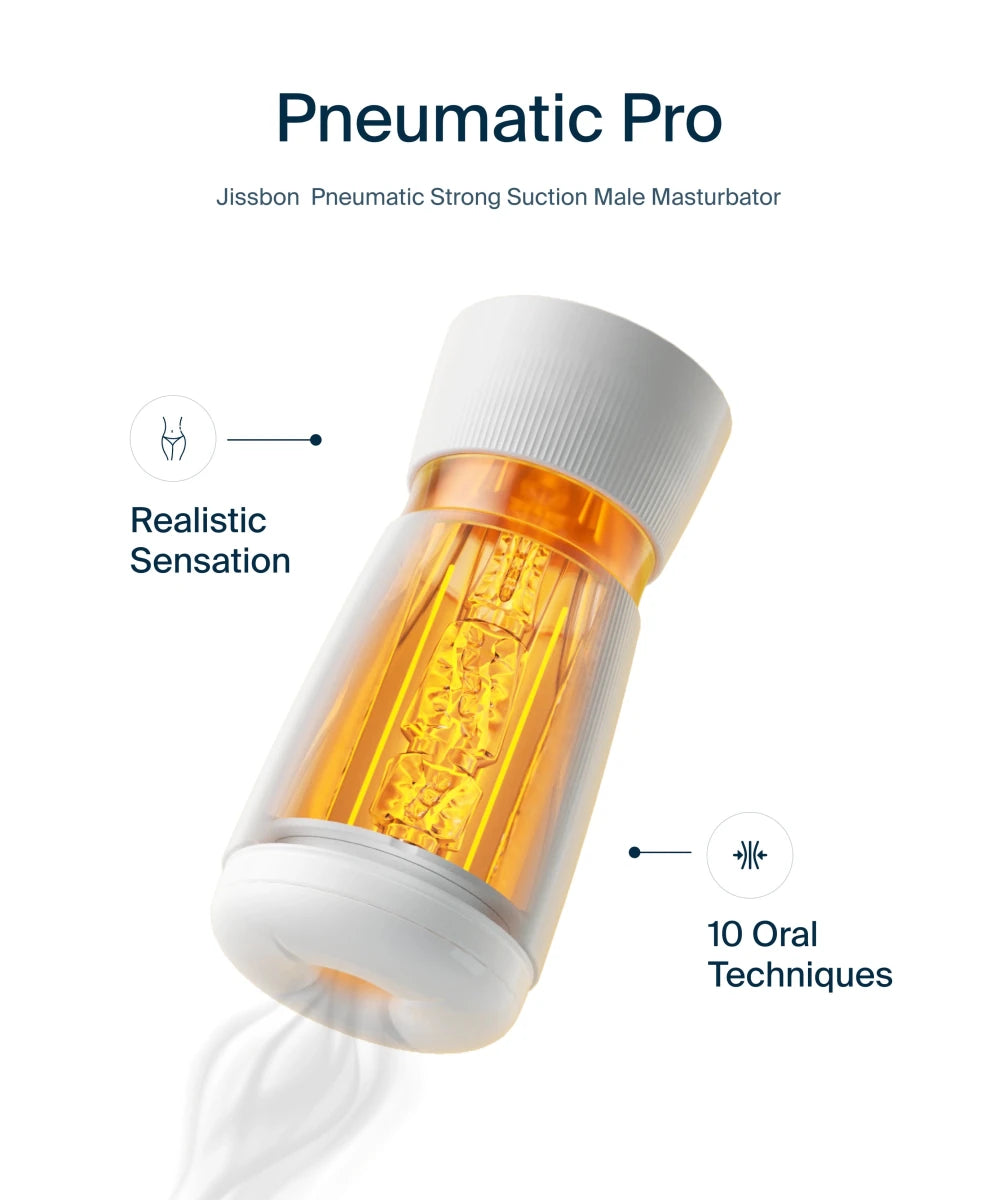
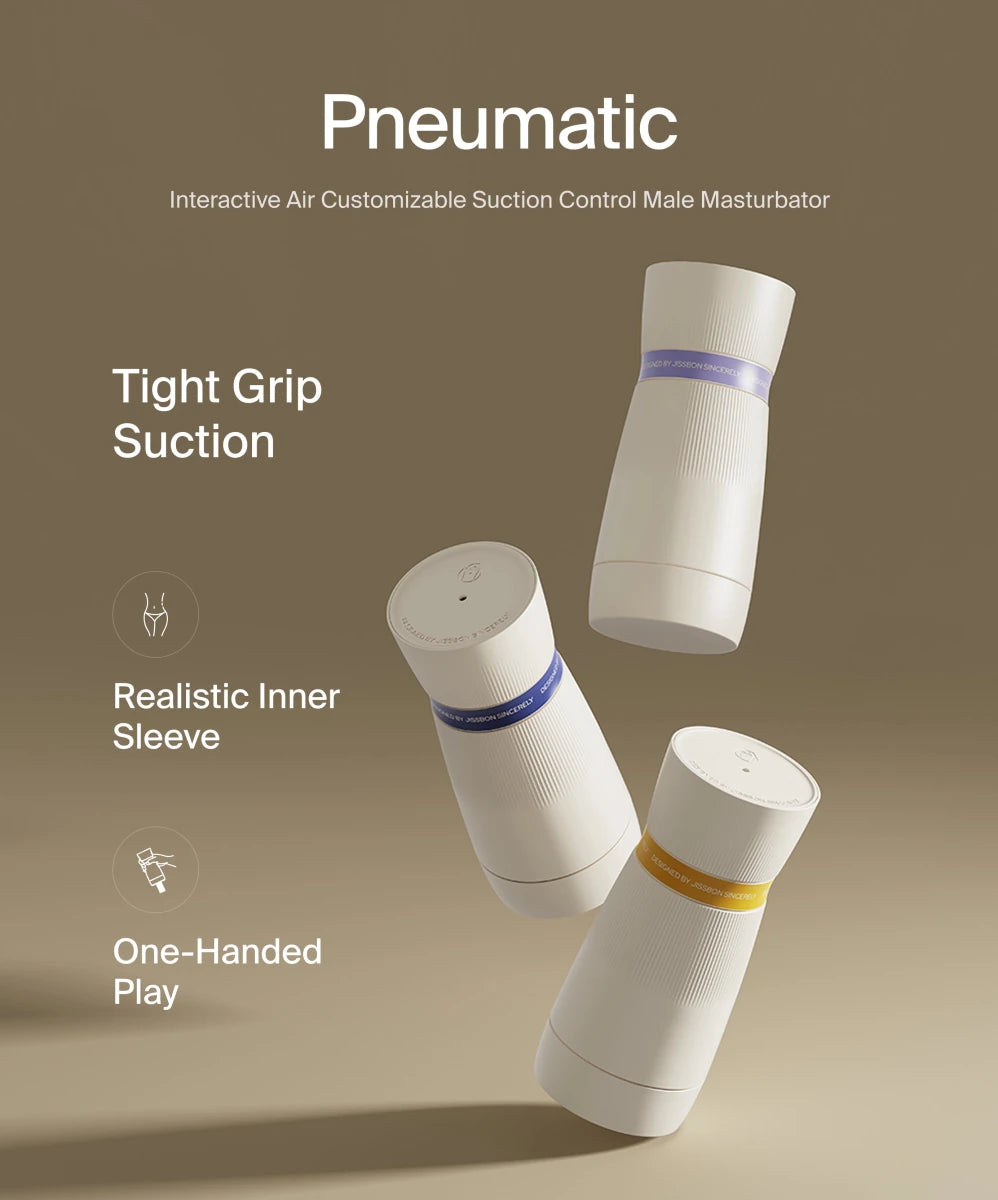
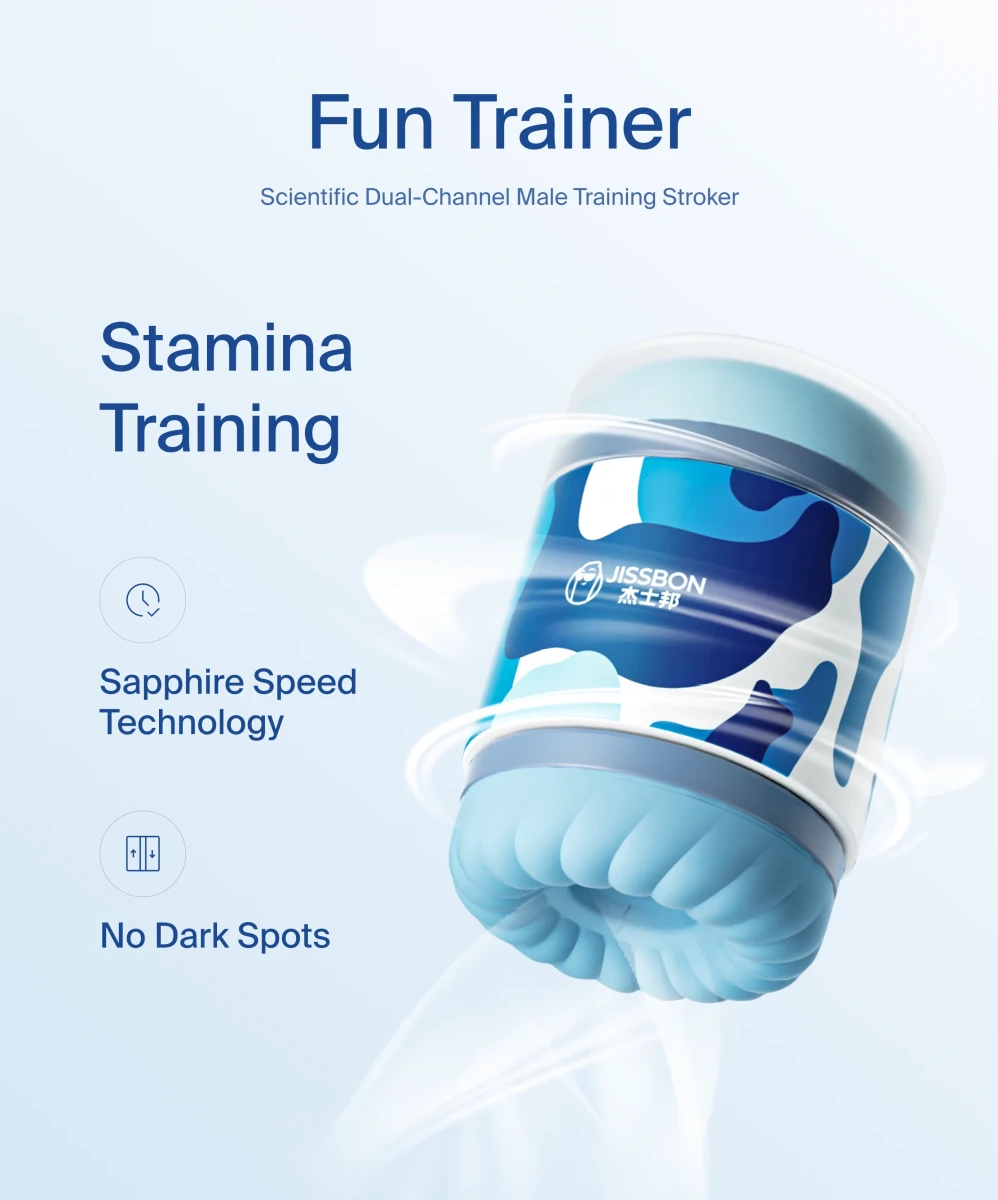
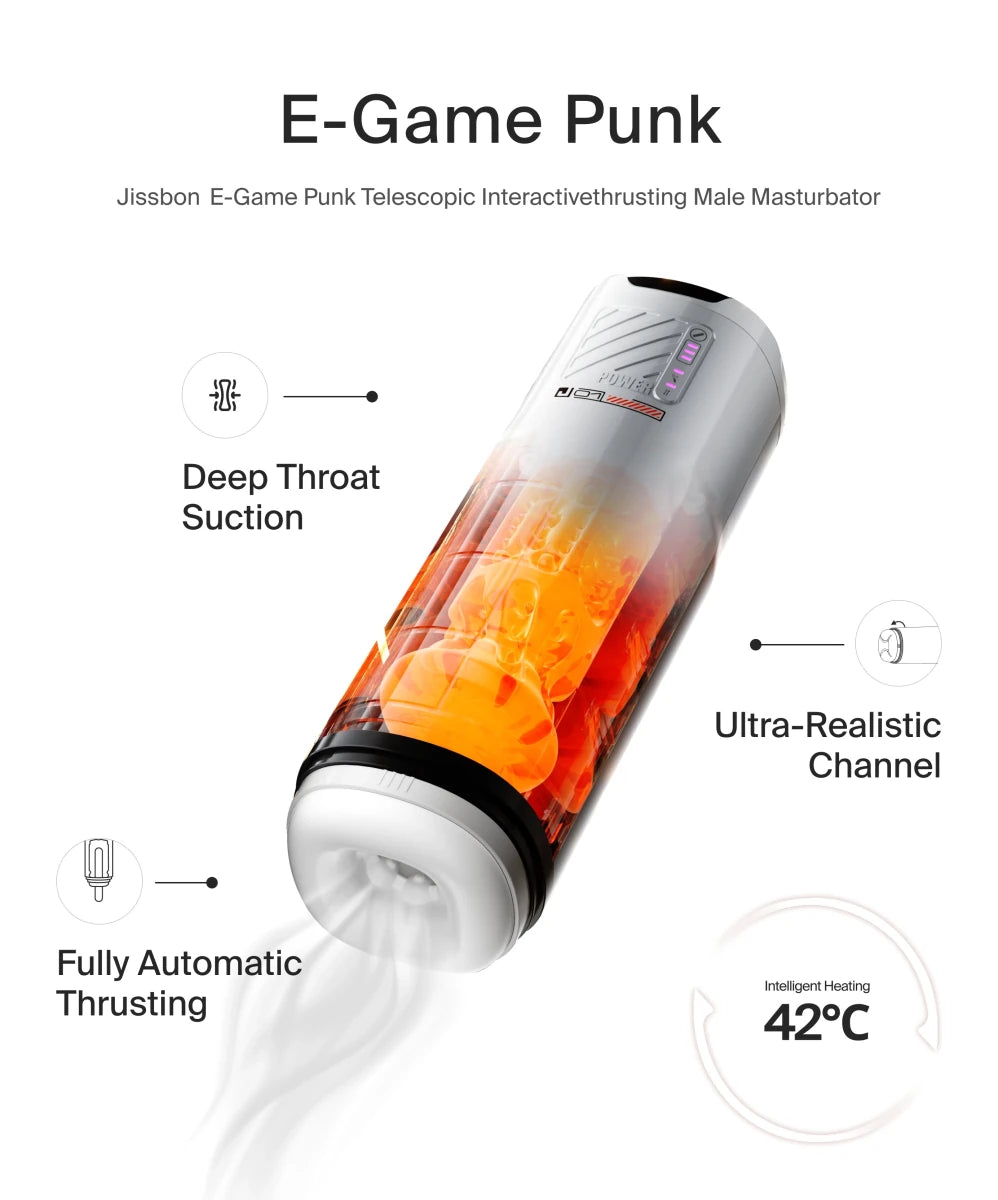
- Stroker-style devices with automated movement (male masturbators designed for scripts)
- Multi-function vibrators with independent motor control
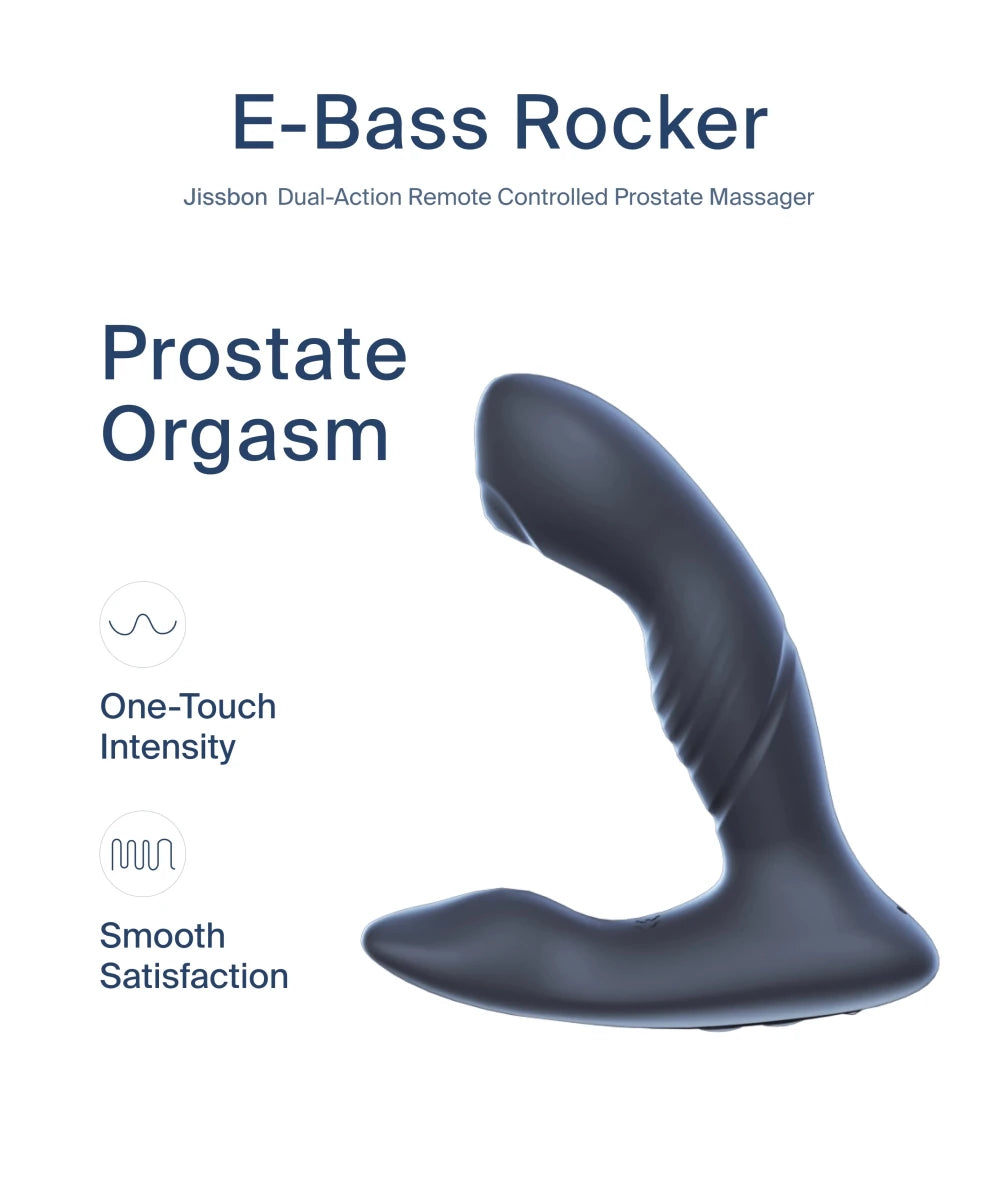
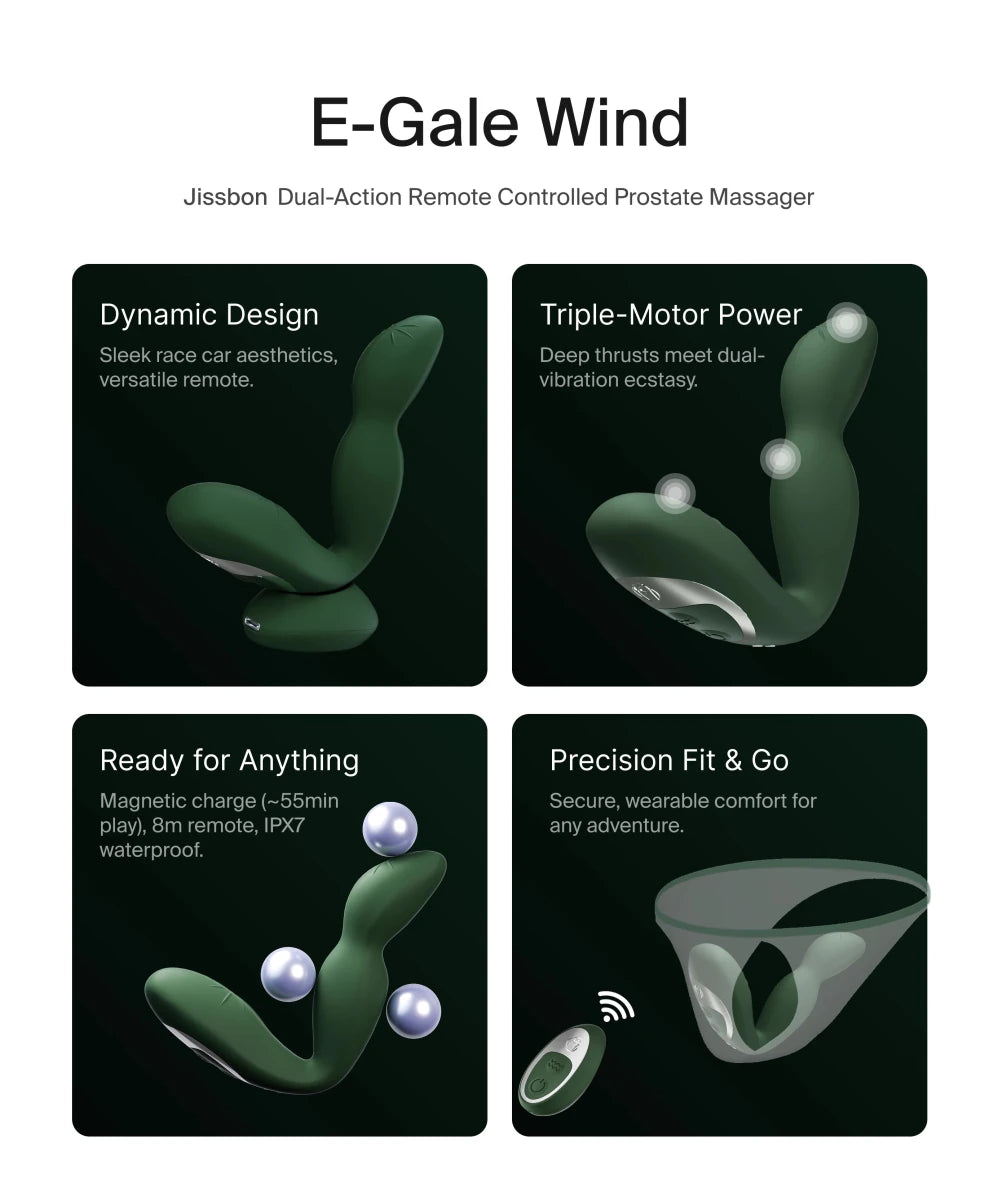
- Prostate massagers with app connectivity
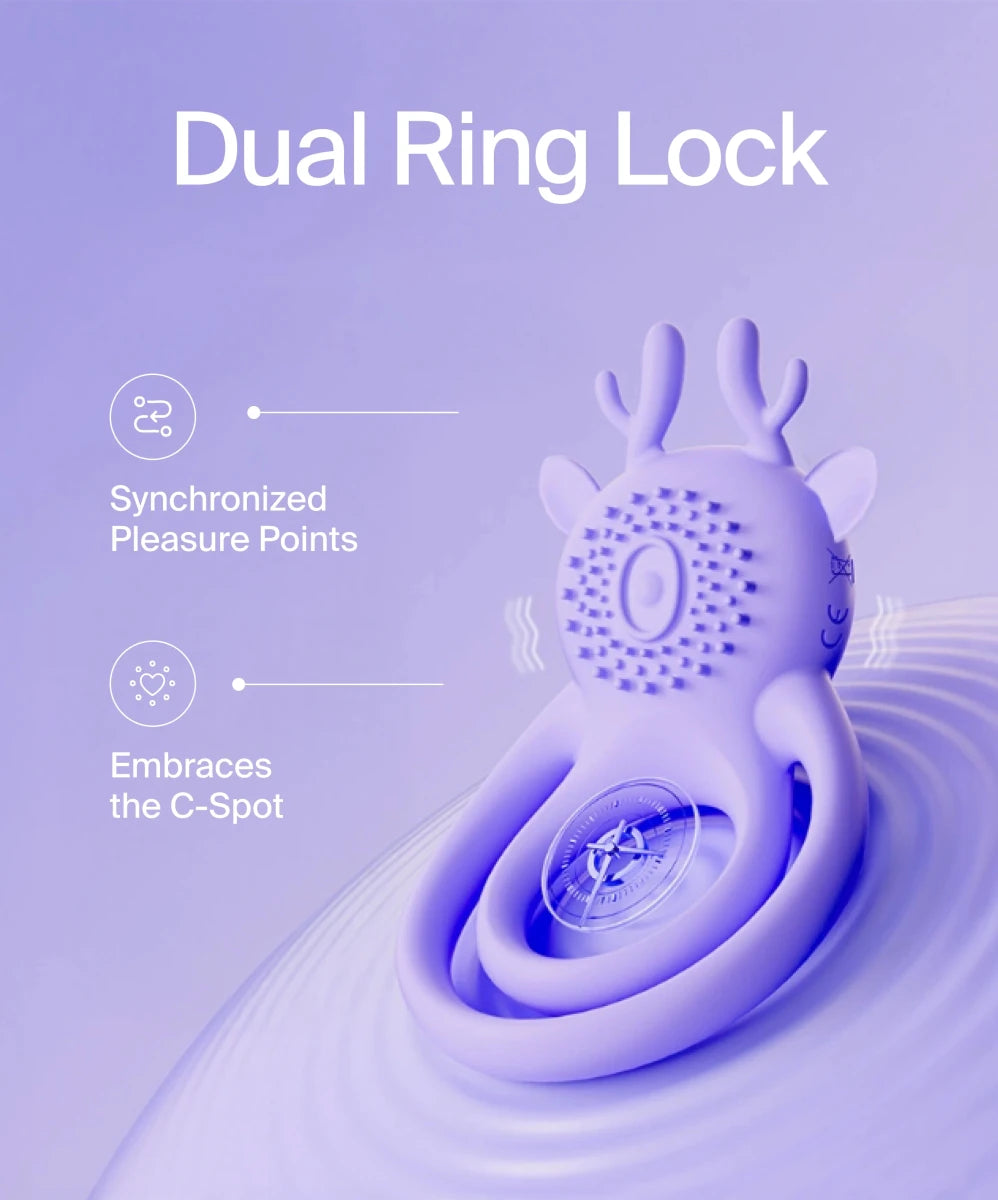
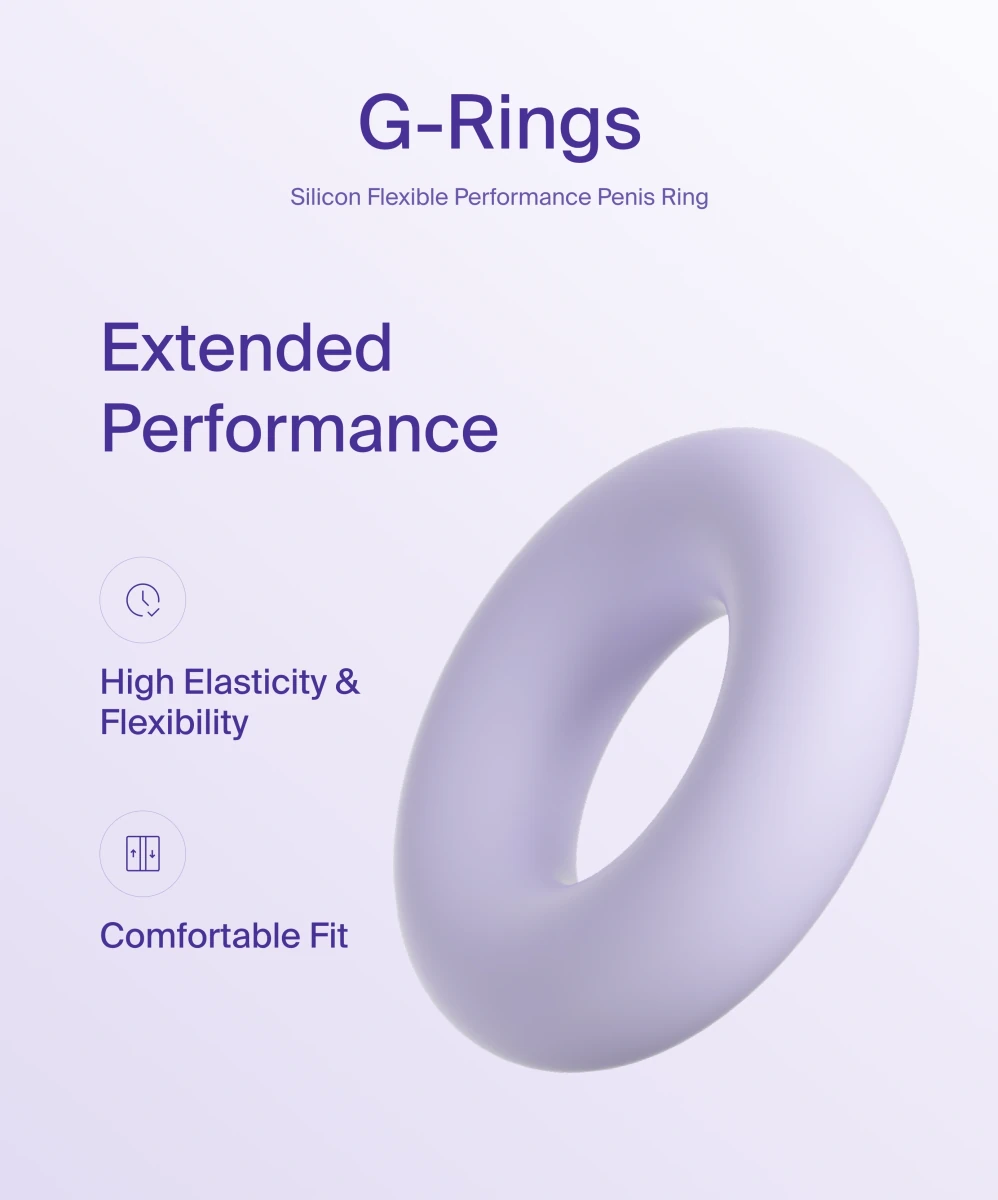
- Vibrating rings for partnered viewing
Essential features:
- Bluetooth 4.0 or higher
- Compatible with standard scripting formats (Funscript, FunHaptics)
- 60+ minute battery life
- Quiet operation (under 50 decibels)
For VR Experiences
Recommended:
- Hands-free designs (suction-mount toys, harness-style vibrators)
- Adjustable angles to accommodate different viewing positions
- Lightweight options (avoid neck strain during extended VR sessions)
- Wireless operation (cables interfere with movement)
For Live Stream Interaction
Ideal choices:
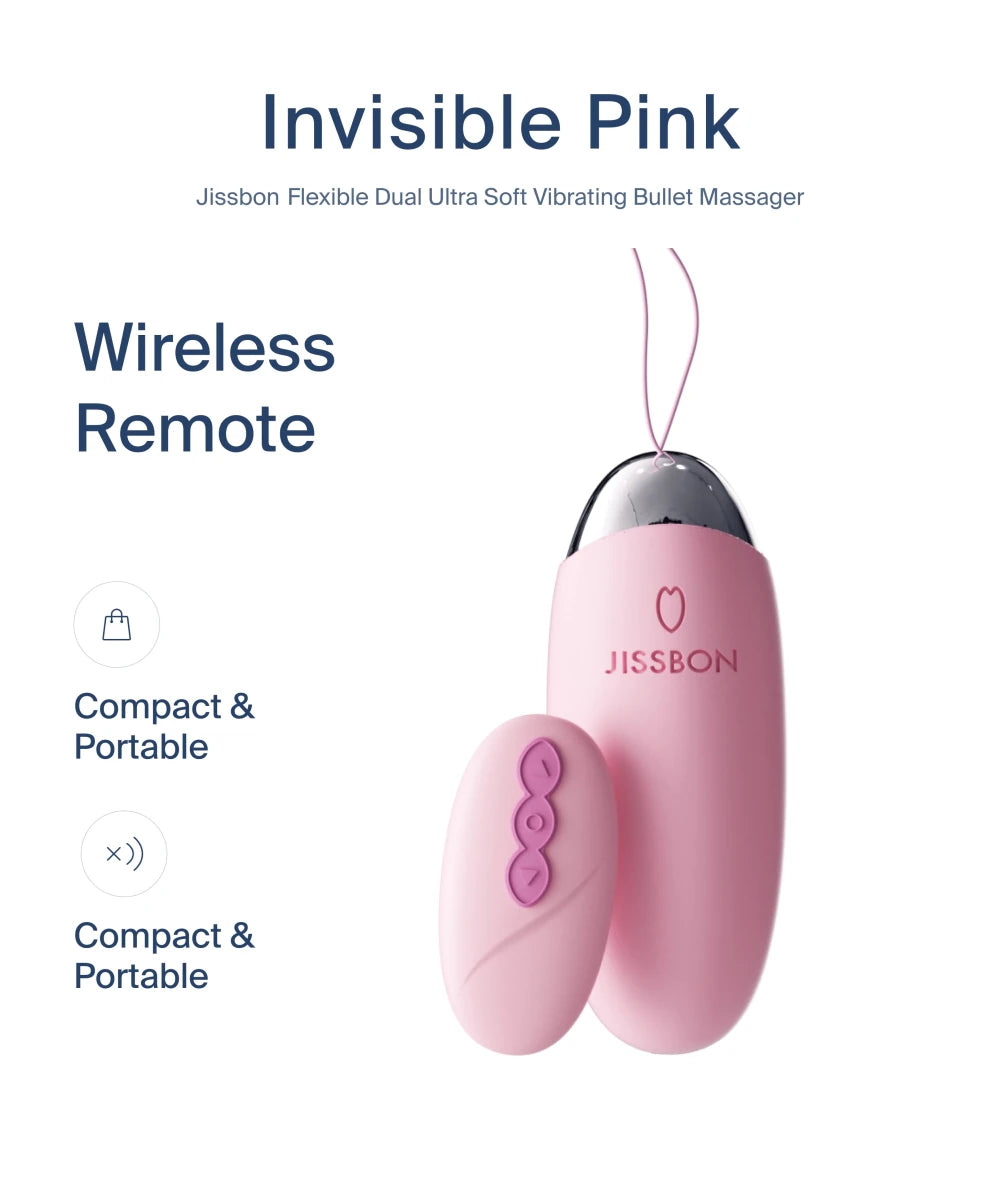
- Remote controlled vibrators or bullet vibrators with platform-native integration
- Wearable designs for performers (viewers typically don't need connected toys for this format)
- Tip-activated devices that respond to viewer commands
Privacy and Security: Critical Protections

Interactive platforms require more personal data than passive video streaming. Protect yourself:
Account Security
- Use unique passwords (password managers recommended)
- Enable two-factor authentication on accounts and payment methods
- Create separate email for adult content (never use work or primary personal email)
- Avoid social media logins (prevents cross-platform data linking)
Payment Privacy
- Prepaid cards for maximum anonymity
- Privacy-focused payment services (virtual card numbers)
- Check billing descriptors (ensure charges appear discreetly on statements)
- Review subscription auto-renewal settings immediately after signup
Device and Network Safety
- Never use work devices or networks
- Use VPN services to mask IP addresses
- Clear browser history and cookies after sessions
- Disable cloud photo backup on phones before taking screenshots
- Check toy firmware for security updates regularly
Content Sharing Risks
Never share:
- Videos featuring identifiable people without explicit consent
- Screenshots or recordings from paid platforms (violates terms of service)
- Personal information in chat rooms or performer interactions
Research from digital privacy organizations emphasizes that connected adult devices often lack robust security protocols, making dedicated privacy measures essential.
Step-by-Step: Your First Synchronized Session
Scenario: Watching Haptic Video with Connected Toy
1. Equipment Setup (15 minutes)
- Charge toy to 100% capacity
- Download platform's official app (iOS/Android)
- Create account using privacy-protected email
- Pair toy via Bluetooth (follow manufacturer's instructions)
- Test connection with app's demo functions
2. Platform Navigation (10 minutes)
- Browse content library with "haptic sync" or "interactive" filters
- Check compatibility icons (platforms usually mark which toys work with each video)
- Start with shorter videos (5-10 minutes) for first experience
- Read user reviews noting sync quality
3. Session Preparation
- Apply water-based lubricant if device requires insertion
- Position yourself comfortably with easy access to pause controls
- Adjust toy placement for optimal contact
- Start video with toy on lowest setting
4. During Playback
- Toy should activate within 5 seconds of video starting
- If sync feels off, check app settings for manual delay adjustment (usually ±2 seconds)
- Use app controls to modify overall intensity without pausing video
- Take breaks if sensations become overwhelming
5. Post-Session
- Disconnect toy from app
- Clean device immediately following manufacturer guidelines
- Log out of platform account
- Clear browser data if using shared device
VR Setup: Maximizing Immersion
Headset Selection
|
Headset Type |
Resolution |
Pros |
Cons |
Price Range |
|
Meta Quest 3 |
2064x2208 per eye |
Standalone, no PC needed, large content library |
Facebook account required |
$500-650 |
|
Pico 4 |
2160x2160 per eye |
No social media login, lightweight |
Smaller content selection |
$400-500 |
|
Smartphone VR |
Depends on phone |
Budget-friendly, portable |
Lower quality, limited tracking |
$20-100 |
|
PC-Tethered (Valve Index) |
1440x1600 per eye |
Highest fidelity, best tracking |
Expensive, requires gaming PC |
$1000+ |
Optimizing Visual Quality
Settings adjustments:
- Increase video resolution to 4K or 5K (bandwidth permitting)
- Adjust interpupillary distance (IPD) for sharp focus
- Enable 60fps streaming for smoother motion
- Use wired internet connection (5+ Mbps minimum for VR)
Physical comfort:
- Wear headset slightly loose to reduce pressure
- Take 10-minute breaks every 30 minutes (prevents VR fatigue)
- Sit or recline rather than standing (safety during immersive moments)
- Keep play area clear of obstacles
Live Platform Etiquette: Respectful Interaction

Do's and Don'ts
Appropriate behavior:
- Tip before making requests (performers work for compensation)
- Read room rules before chatting (each performer sets boundaries)
- Use polite language in public chat
- Respect "no" responses to requests
Avoid these actions:
- Demanding free content or pushing boundaries
- Recording without explicit permission (often illegal)
- Sharing performer's personal information
- Haggling over private show rates
Understanding Toy Control Features
When purchasing control time:
- Test periods (1-3 minutes) let you experiment with settings
- Full control sessions (10-30 minutes) allow complex patterns
- Mutual control (both parties adjust each other's toys) requires compatible devices
- Tip-to-vibe ratios vary by platform (usually displayed in room)
Content Quality: Recognizing Professional Production
High-quality platforms invest in better experiences:
Visual Indicators
- 4K or higher resolution options available
- Stable camera work (no excessive shaking or poor framing)
- Proper lighting (clear visibility without harsh shadows)
- Multiple camera angles in premium content
Haptic Sync Quality
- Precise timing (device responds within 0.5 seconds of action)
- Varied intensities (not just on/off, but gradual changes)
- Scene-specific patterns (different movements for different acts)
- User adjustment options (intensity sliders, pattern toggles)
Red Flags to Avoid
- Sites requiring software downloads (potential malware)
- Platforms with no performer verification (ethical concerns)
- Services requesting excessive personal information
- "Free trial" scams requiring credit cards upfront with unclear cancellation policies
Troubleshooting Common Technical Issues
"Toy won't connect to app or platform"
- Update app to latest version
- Toggle Bluetooth off/on in device settings
- Restart both toy (hold power 10+ seconds) and phone/computer
- Check manufacturer's compatibility list (your toy may not support that platform)
- Ensure toy isn't already paired to another device
"Sync is delayed or mismatched"
- Close background apps consuming bandwidth
- Switch to wired internet connection
- Adjust sync offset in app settings (usually -2 to +2 seconds)
- Lower video quality settings (reduces processing lag)
- Check if video is labeled "beta" (sync scripts may be unfinished)
"VR video looks blurry or distorted"
- Clean headset lenses with microfiber cloth
- Adjust IPD slider to match your eye distance
- Reposition headset (should sit evenly, not tilted)
- Increase streaming quality in platform settings
- Ensure adequate lighting in room (headsets use cameras for tracking)
"Battery drains too quickly"
- Reduce vibration intensity (high power uses more battery)
- Disable unused features (lights, heating elements)
- Check for firmware updates (may include battery optimization)
- Replace batteries if rechargeable model is 2+ years old
"Toy stopped responding mid-session"
- Check Bluetooth connection icon in app
- Move phone/computer closer to toy (Bluetooth range ≈30 feet)
- Restart app without closing video (most platforms allow background reconnection)
- Switch to manual app control temporarily
- Verify toy isn't overheating (some have automatic shutoffs)
Long-Distance Couples: Maximizing Connection
Synchronous Experiences
Shared video watching:
- Both partners use synchronized toys with same video
- Video chat on secondary device while content plays
- Coordinate start times (countdown timers help)
Two-way toy control:
- Each person operates partner's device via app
- Combines video chat with haptic interaction
- Requires compatible toy pairs (check manufacturer compatibility)
Live cam together:
- Create private room on cam platform
- Both partners appear on camera
- Use tips/controls to activate each other's toys
Asynchronous Options
- Record custom haptic content for partner
- Leave timed patterns in app for partner to discover
- Create playlists of favorite synchronized videos
- Send toy control "coupons" for partner to redeem later
Medical professionals studying long-distance relationships note that technology-mediated physical intimacy helps maintain connection when in-person contact isn't possible, though it works best as a supplement to other communication forms.
Frequently Asked Questions
Are interactive platforms safe from data breaches?
No platform is 100% secure. Reputable sites use encryption and limit data collection, but breaches occur across industries. Minimize risk by using separate emails, privacy-focused payment methods, and avoiding platforms requesting excessive personal information. Check if sites have experienced past security issues before creating accounts.
Can I use standard toys with interactive content?
Most standard toys lack connectivity features required for synchronization. You'll need devices specifically marketed as "app-enabled," "Bluetooth-compatible," or "interactive." Some platforms offer adapter devices that connect non-smart toys, but functionality is limited compared to purpose-built models.
Do I need expensive equipment to start?
Basic experiences require only a compatible toy ($50-150) and smartphone with Bluetooth. VR adds immersion but isn't mandatory—many users find haptic sync alone provides significant enhancement. Start with lower-cost entry points before investing in premium headsets or multiple devices.
How is this different from regular adult content?
Traditional content follows a fixed sequence regardless of viewer. Interactive platforms respond to your toy's movements, offer branching story choices, allow real-time performer control, or sync sensations to video action. The difference is between observation and participation—you influence timing, intensity, and sometimes narrative direction.
What happens if my toy malfunctions during a live session?
Switch to manual controls via app or end the session without penalty. Reputable platforms don't charge for technical failures on your end. Contact manufacturer support for persistent toy issues—most offer troubleshooting assistance. Keep backup batteries or charging cables accessible during sessions.
Are there ethical concerns with these platforms?
Yes. Verify platforms confirm performer consent, age verification, and fair compensation. Avoid sites with unclear sourcing or "hidden cam" content. Choose platforms with transparent policies about content creation and performer treatment. Supporting ethical production means paying for content rather than seeking pirated material.
Moving Forward: Balanced Exploration
Interactive adult technology offers novel experiences but works best as one component of healthy sexuality. Combine it with communication, imagination, and real-world intimacy when possible. Start with basic features before investing heavily, and prioritize platforms demonstrating commitment to user privacy and performer welfare.
Ready to explore devices designed for interactive experiences? Discover Jissbon's selection of app-connected, sync-ready toys built for comfort and reliability.


Looking for something else?

What Is Flogging in Sex? Complete BDSM Flogging Guide
LEARN MORE
What Does Overstimulated Mean Sexually? Causes & Solutions
LEARN MORE
Can You Get a Tattoo on Your Vagina? Safety, Pain & What to Expect
LEARN MORE
Public Sex Kink: Understanding Exhibitionism & Safe Exploration
LEARN MORELooking for something else?

A-Spot Orgasm: Best Positions & How to Find It
LEARN MORE
Bondage Play: Complete Beginner's Guide to Rope BDSM
LEARN MORE
Vibrator Stories: Real Experiences, Tips & What to Expect
LEARN MOREYou may also like
20% off

20% off

20% off

20% off

20% off

20% off

Further reading

How to Clean an Automatic Blowjob Machine Without Damaging the Motor
Remote-Controlled Automatic Masturbators for Couples and Solo Play
Best Automatic Strokers for Edging and Stamina Training